Stop Buying AI Tools. Start Designing Systems.
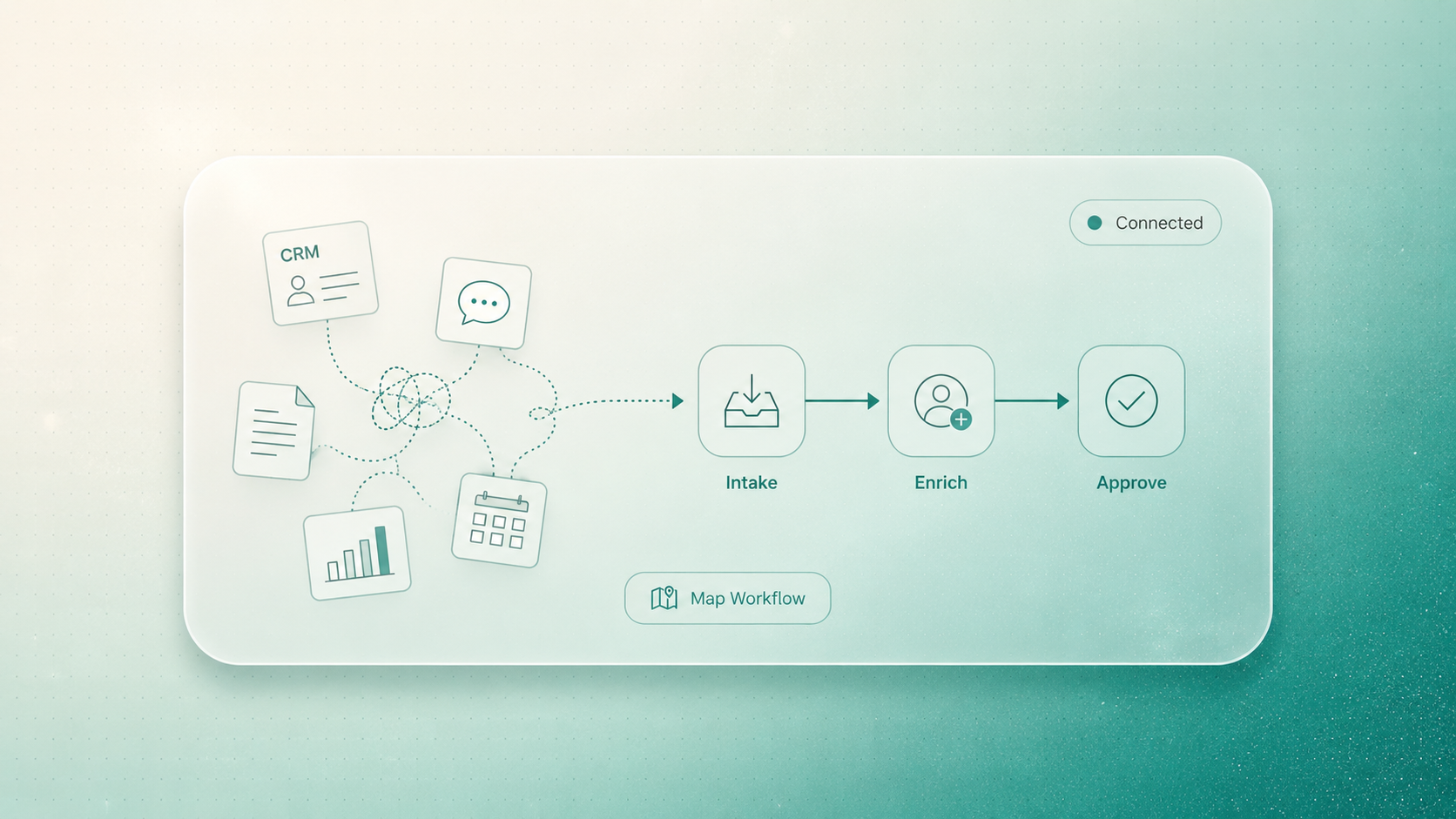
There is a particular kind of business mess that looks like progress from a distance.
The company has a CRM. A project management tool. A reporting dashboard. An AI writing assistant. A meeting recorder. A lead enrichment platform. A customer support tool. A few automation recipes. Several spreadsheets that are still somehow more important than anyone wants to admit.
On paper, the business is modern.
In practice, the team is still copying data between tabs.
That is the difference between buying tools and designing systems.
The tool stack is not the operating system
Most software purchases begin with a real problem.
Lead intake is messy. Reporting takes too long. Proposals are inconsistent. Client onboarding depends on memory. Content production has too many handoffs. Customer requests get trapped in inboxes.
So the team buys a tool.
That tool may genuinely help one part of the process. The trouble starts when the business assumes the tool has fixed the workflow around it.
It usually has not.
A tool handles a task. A system defines how work moves.
A system answers questions a tool often cannot:
- Where does the work begin?
- What information is required before the next step?
- Which system is the source of truth?
- Who approves the output?
- What happens when data is missing?
- What should be automated, and what should stay human?
- How does leadership see progress without asking five people?
If those questions are unanswered, adding AI usually makes the operation look more advanced while the underlying friction remains.
The hidden cost lives between the tools
Tool sprawl rarely announces itself as a crisis. It shows up as small delays that become normal.
Someone exports a CSV every Monday because the dashboard is never quite right.
Someone checks the CRM before every proposal because the brief is usually missing context.
Someone copies meeting notes into a project tool, then rewrites the same information for the client update.
Someone uses an AI tool to draft content, but then manually adapts it for email, LinkedIn, ads, and the website because the content workflow was never designed end to end.
None of these tasks feel dramatic on their own. Together, they become a second operating system: invisible, manual, and expensive.
This is why buying another AI app often disappoints. The app may be useful, but it cannot repair the handoffs, ownership gaps, and data confusion around it.
A simple way to diagnose tool sprawl
Before adding another subscription, look for the manual glue.
Manual glue is any human effort required mainly because systems do not talk to each other, rules are unclear, or the workflow was never designed properly.
You will usually find it in five places:
-
Lead intake
New enquiries arrive from forms, email, referrals, ads, and social channels. The team researches, qualifies, routes, and follows up manually because there is no single intake flow.
-
Proposal creation
Sales notes, pricing logic, case examples, timelines, and scope assumptions live in different places. A proposal becomes a scavenger hunt instead of a repeatable process.
-
Client onboarding
The deal is won, but delivery starts with missing files, unclear ownership, repeated questions, and handoffs that depend on the memory of whoever closed the sale.
-
Reporting
Leadership wants a clear view, but the numbers sit across platforms. Someone exports, cleans, reconciles, and explains the data every week.
-
Content operations
Ideas, drafts, approvals, assets, publishing steps, and performance data move through separate tools. The team has content software, but not a content system.
These are not tool problems. They are architecture problems.
What system design looks like in practice
System design starts by mapping the work before choosing the technology.
For each workflow, you define the inputs, decisions, handoffs, approvals, outputs, and success measures. Only then do you decide which tools should stay, which should connect, which should be replaced, and where AI can help.
Here is the practical difference:
The point is not that custom systems replace every SaaS product.
Often, the right answer is to keep good tools and make them work inside a better operating model.
The architecture question most teams skip
Before you buy the next tool, ask this:
What should happen automatically when this workflow begins?
That question forces a different level of thinking.
For lead intake, maybe the system should capture the enquiry, enrich the company profile, check fit against your criteria, draft a short internal summary, and notify the right person.
For onboarding, maybe the system should create the project record, request missing materials, assign the first tasks, and prepare a kickoff brief from the sales context.
For reporting, maybe the system should gather the numbers, compare them against thresholds, flag exceptions, and prepare a narrative summary for review.
AI can support these steps, but AI is not the whole answer. The value comes from the designed flow around it: data, rules, timing, approvals, and human judgment.
When a tool is enough
Sometimes a tool is the right answer.
If one person has a clearly isolated task, the workflow is simple, and the output does not need to connect deeply with other systems, a focused SaaS product may be enough.
For example, a scheduling tool for booking calls can be perfectly fine. A transcription tool for internal notes may be enough. A lightweight design tool for simple assets may solve the immediate problem.
The warning sign is when the task touches multiple teams, multiple data sources, or repeated approvals.
That is when the decision stops being about software features and starts being about workflow architecture.
The stack audit: five questions to ask this week
If you suspect tool sprawl, do a quick audit.
Choose one important workflow and ask:
- Where does this workflow actually start?
- Which tools does it pass through before it is complete?
- Where does someone copy, export, upload, reformat, or chase information?
- Which step creates the most delay or rework?
- If we improved only one handoff, what would create the most business value?
Do not audit everything at once. That becomes another project that nobody has time for.
Pick one workflow close to revenue, delivery speed, customer experience, or leadership visibility. Map it honestly. The drag will usually reveal itself.
How WhatanAidea helps
At WhatanAidea, we are not interested in adding more software for the sake of it.
We start with the business outcome and the workflow behind it. We look at the tools you already use, the data that matters, the handoffs slowing people down, and the decisions that still need human judgment.
Then we design the system around the work.
That might mean connecting existing tools. It might mean removing redundant software. It might mean building an automation layer. It might mean designing an AI agent that prepares work in the background while keeping approval with your team.
The goal is not a bigger stack.
The goal is a cleaner operating model.
The takeaway
If your team has more tools than ever but still feels buried in manual work, the problem is probably not a missing app.
It is the absence of system design.
Buying tools can create motion. Designing systems creates leverage.
Start by auditing one workflow. Find the handoffs, exports, missing context, and repeated checks. Then decide what should be simplified, connected, automated, or rebuilt.
If you want a practical place to start, book a 30-minute stack and workflow audit with WhatanAidea. We will help you identify where your tools are creating drag, map the workflow worth fixing first, and show where AI belongs in the system.
FAQ
What is tool sprawl?
Tool sprawl is what happens when a business uses many disconnected applications without a clear workflow architecture. Each tool may be useful on its own, but the team still has to move information, reconcile data, chase updates, and maintain visibility manually.
What is an AI workflow system?
An AI workflow system is a connected process where AI supports a defined business flow. It includes inputs, data sources, business rules, handoffs, approvals, and outputs. The AI is one part of the system, not the system itself.
Should we replace our existing SaaS tools?
Not automatically. Many existing tools should stay. The first step is to understand which tools support the workflow, which duplicate effort, and which create unnecessary handoffs. The goal is a cleaner operating model, not software minimalism for its own sake.
What workflow should we audit first?
Start with a workflow close to revenue, delivery, customer experience, or leadership visibility. Good candidates include lead intake, proposal creation, onboarding, reporting, and content operations because these often involve multiple systems and repeated manual coordination.
Supporting Links
- IBM, What Is SaaS Sprawl?: https://www.ibm.com/think/topics/saas-sprawl
- McKinsey, Rewired to Outcompete: https://www.mckinsey.com/capabilities/tech-and-ai/our-insights/rewired-to-outcompete
- McKinsey, The State of AI: How Organizations Are Rewiring to Capture Value: https://www.mckinsey.com/capabilities/quantumblack/our-insights/the-state-of-ai-how-organizations-are-rewiring-to-capture-value
- NIST, Artificial Intelligence Risk Management Framework 1.0: https://www.nist.gov/publications/artificial-intelligence-risk-management-framework-ai-rmf-10
Written by

WhatanAIdea is an outcome-first AI consultancy. We go deep into your business first, then show where AI fits, where it doesn’t, and what is worth doing first.